The Routes tab
Last verified
The Routes tab of your dashboard lists every route you've saved from the planner. Each one shows its name, status, bike type and when you saved it, with buttons to open it in the planner, mark it a favourite, rename it or delete it. Reopening a route loads the exact plan you saved — it isn't re-routed.
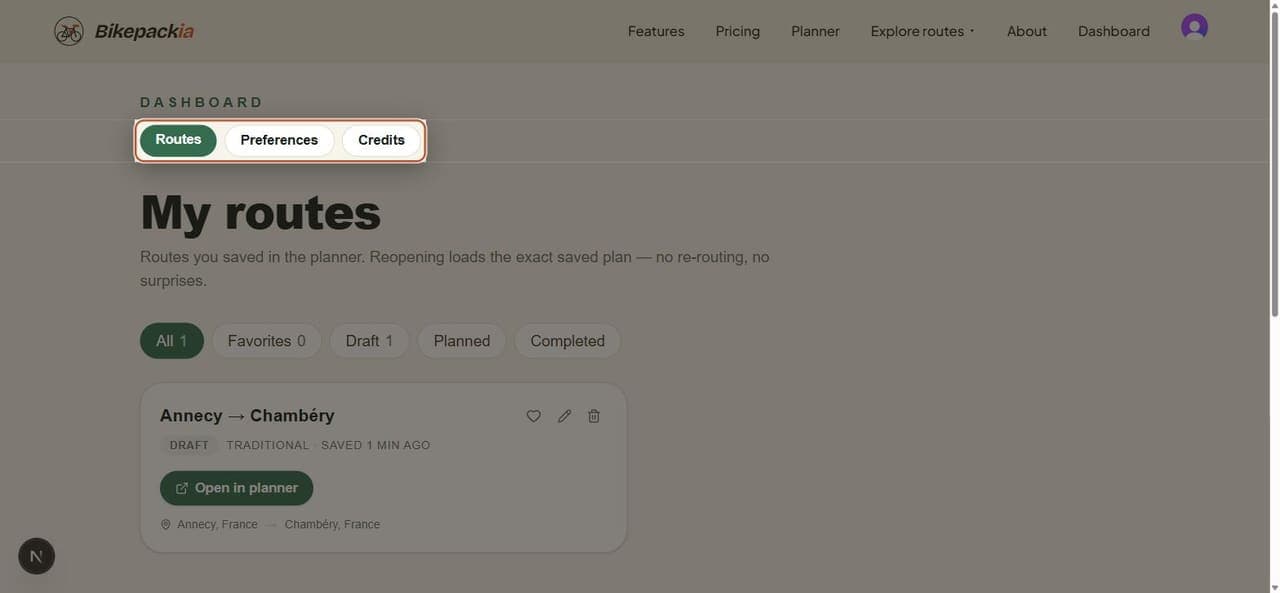
Finding a route
The filter chips above the list narrow it down, and each carries a count: All, Favorites, and then one chip per status — Draft, Planned and Completed.
What a route card shows
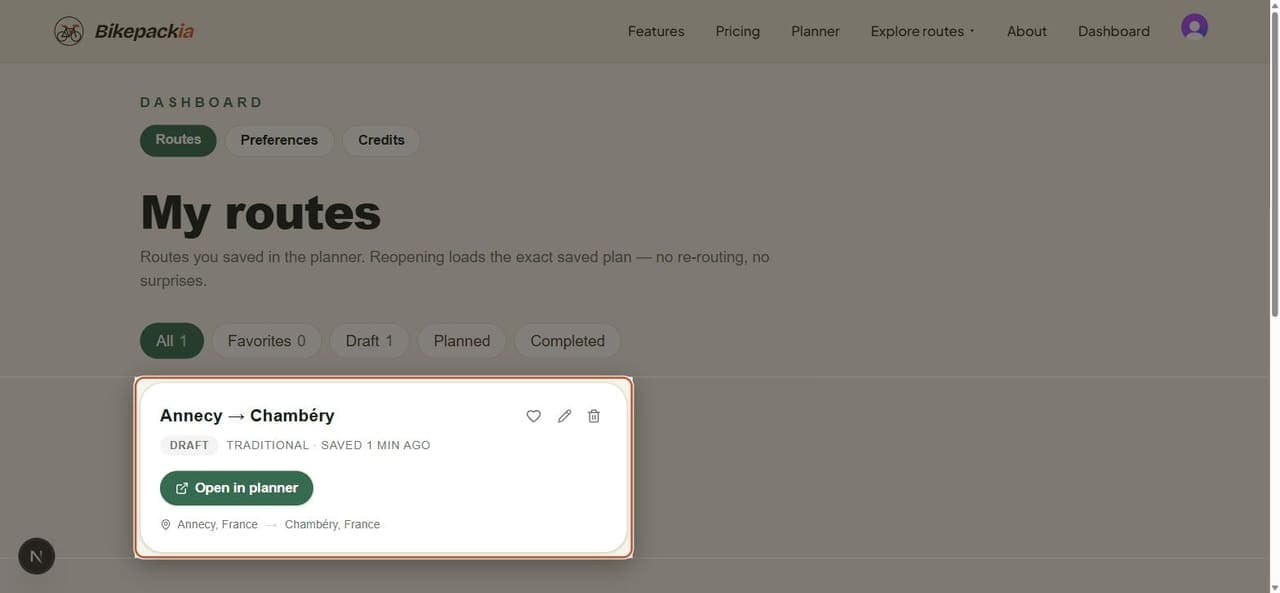
| Item | What it means |
|---|---|
| Name | What you called the route when you saved it. The pencil renames it. |
| Status badge | Draft, Planned or Completed — how far along the trip is. |
| Bike type | The bike profile the route was planned for. |
| Saved … | When you last saved it. |
| Heart | Marks the route a favourite, so the Favorites filter finds it. |
| Bin | Deletes the route. |
| Open in planner | Reopens the saved plan in the planner, exactly as you left it, with the trip settings and the distance, days and climbing targets you gave Mec. The chat starts empty; earlier chats on the route are listed under Chat history in the Route Assistant tab. |
| Start → end | The first and last points of the route. |
If the list is empty
A new account has no saved routes, and the tab offers a button through to the planner instead. Build a route there and press Save route in the top bar, and it appears here.
Frequently asked questions
Where do I find routes I saved?
In the Routes tab of your dashboard on bikepackia.com. They're also in the Bikepackia mobile app, on the same account.
Does reopening a saved route change it?
No. Reopening loads the exact plan you saved, including its stages and stops. It isn't recomputed, so nothing moves behind your back.
Can I get a saved route back after deleting it?
No. Deleting is permanent, so export the GPX first if you might want the track later.