The top bar
Last verified
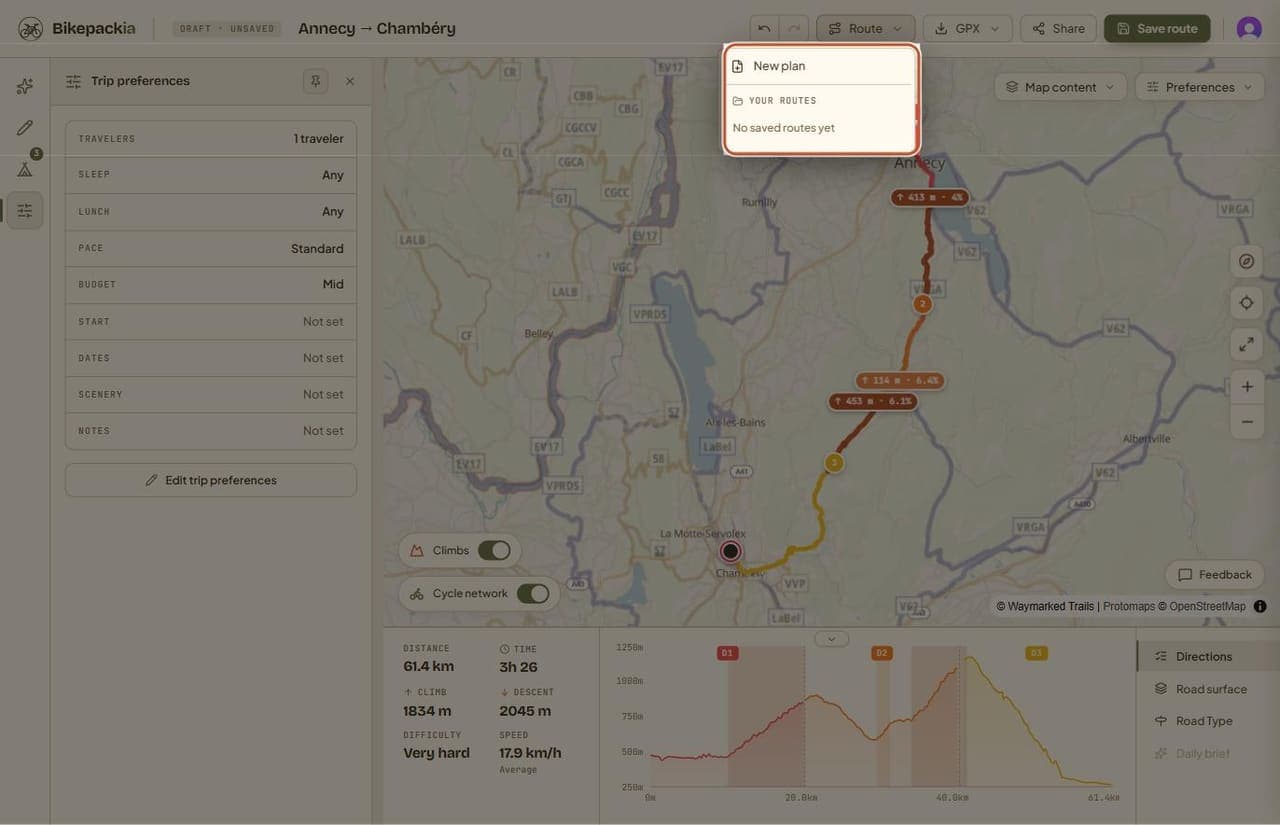
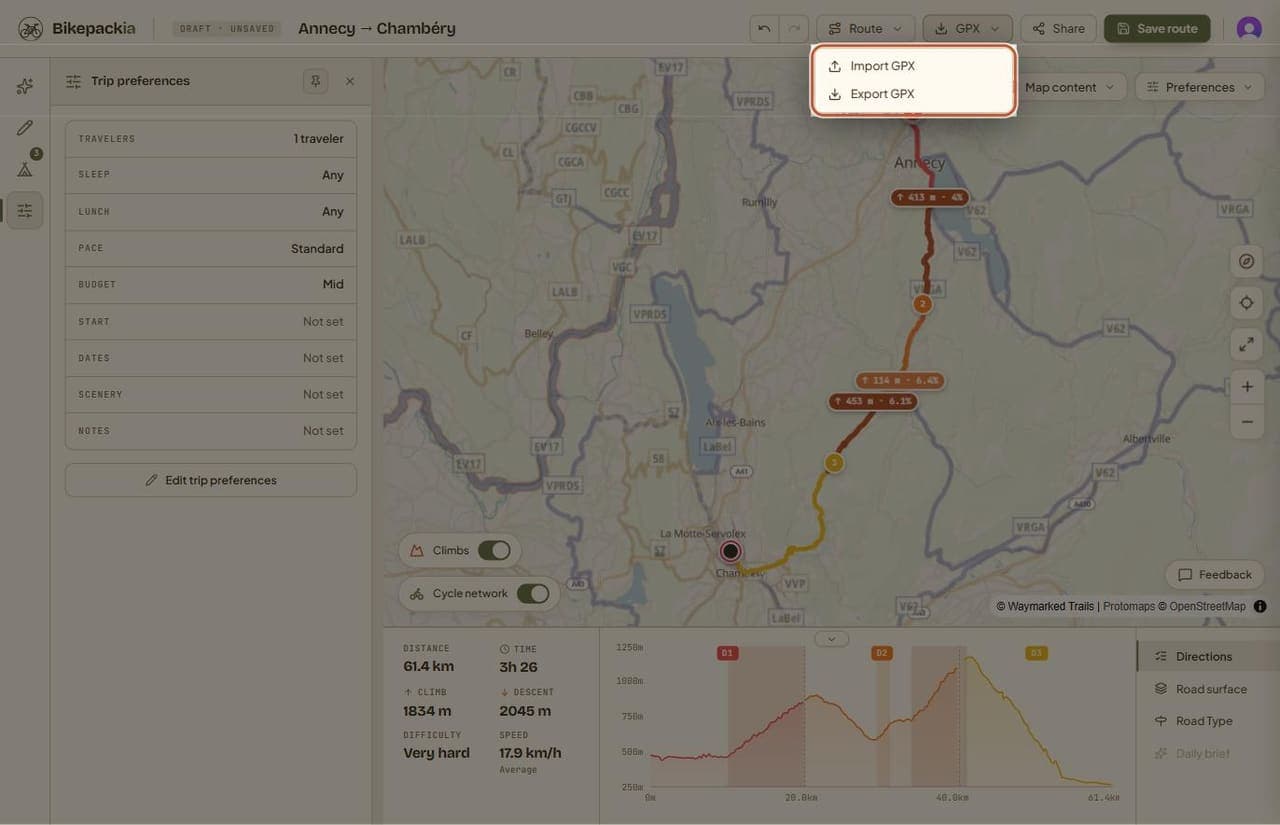
The top bar runs across the top of the web planner and holds everything about the route as a whole: its name and save status, undo and redo, the Route menu (start a new plan or open a saved one), the GPX menu (import or export), Share, Save route, and your account menu.
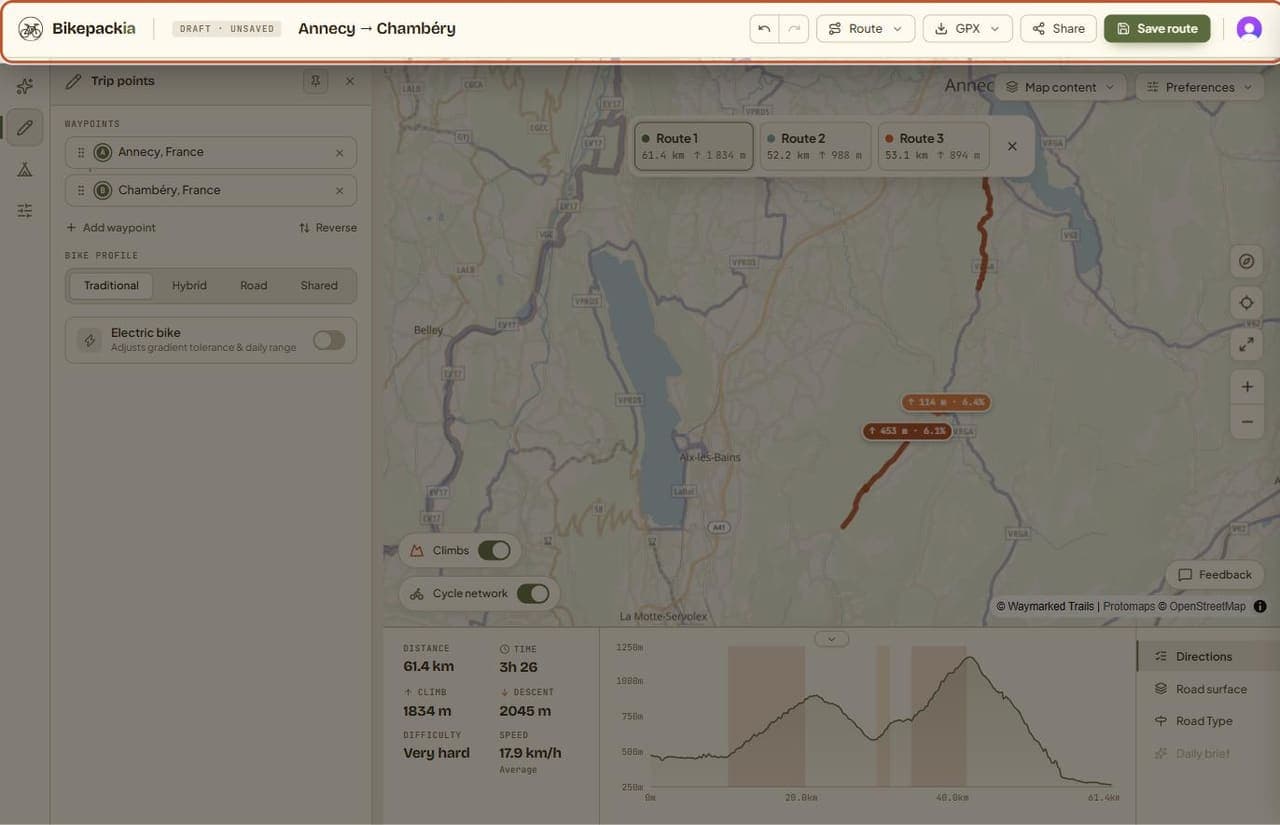
From left to right
| Control | What it does |
|---|---|
| Bikepackia logo | Goes back to bikepackia.com. |
| Status tag | Shows whether the route is a draft, has unsaved changes, or is saved. Only changes to the route itself count: chatting with Mec doesn't change the tag. |
| Route name | Click it to rename the route. It starts as "Untitled route" and becomes "start → destination" once you set both. |
| Undo and redo | Step backwards and forwards through your edits. The keyboard shortcuts are Ctrl+Z and Ctrl+Shift+Z (Cmd on a Mac). |
| Route menu | Start a new plan, or open one of your saved routes. |
| GPX menu | Import a GPX file into the planner, or export the current route. |
| Share | Creates a link to the route. Needs an account. |
| Save route | Saves the route to your account. Needs an account. |
| Account | Your profile, preferences and credit balance. |
Saving and sharing
You can plan, split and export without an account. Saving and sharing need you to sign in, and the two buttons say so until you do. Saved routes then appear in the Route menu and in the Bikepackia app.
Frequently asked questions
Why are Save and Share greyed out?
You're not signed in. Planning and GPX export work without an account, but saving a route and creating a share link need one.
Can I undo a change in the planner?
Yes. Use the undo and redo arrows in the top bar, or press Ctrl+Z and Ctrl+Shift+Z (Cmd+Z and Cmd+Shift+Z on a Mac).