Signing in and first-run setup
Last verified
The app opens on a welcome screen. Continue with Google, or sign up with a name, email and password and confirm the code emailed to you. The first time you sign in, a five-step wizard asks about your bike, daily distance, surface and climbing, and where you sleep. Those answers become the ride preferences Mec, Bikepackia's AI route partner, uses on every trip; change them any time in Account.
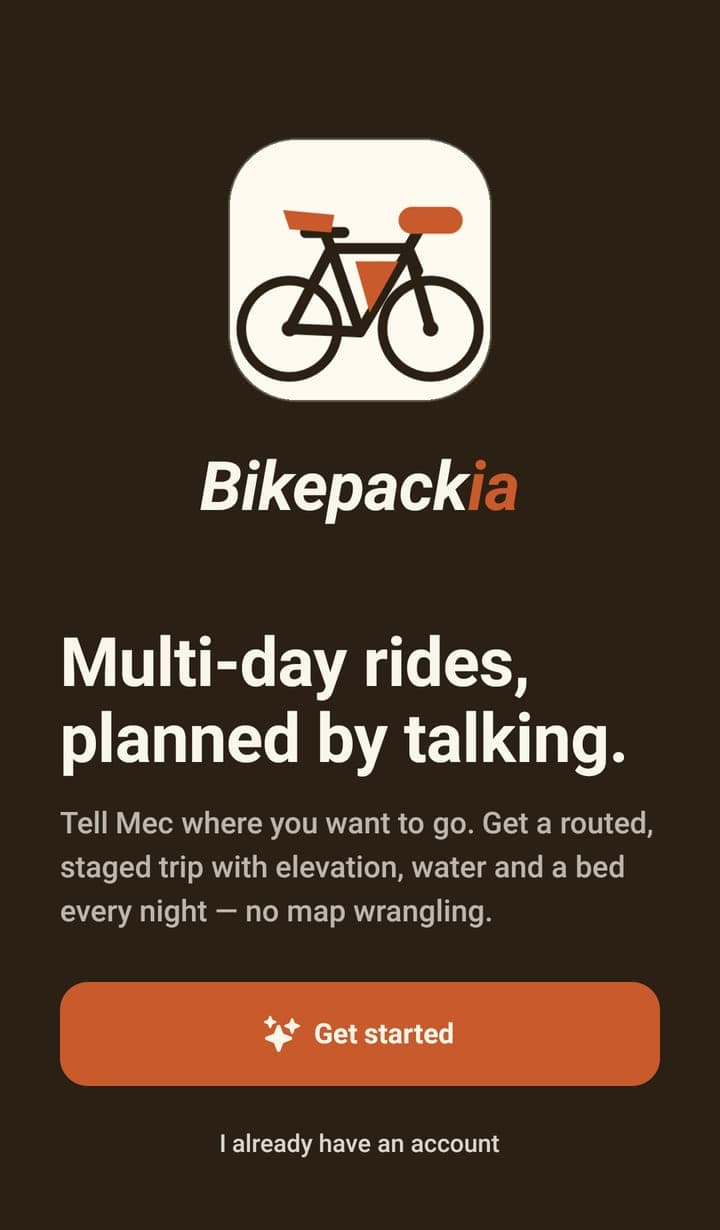
Ways to sign in
- Continue with Google — one tap, and a new account is created if you don't have one.
- Email and password — sign up with your name, email and a password, then enter the six-digit code emailed to you.
- Already have an account — the same email and password you use on the website.
- Forgotten password — the sign-in screen emails you a code and lets you set a new password in the app.
It is the same account as the website, so your saved routes, preferences and credit are already there when you sign in on the phone.
The five setup questions
| Step | What it asks |
|---|---|
| Welcome | Explains the wizard, and asks whether you want Bikepackia emails. |
| Your ride | The bike you ride: traditional, gravel, road or e-bike. |
| Your pace | How far you ride in a day, which sets your daily distance and effort. |
| The terrain | How much gravel you want, and how steep you're willing to go. |
| A bed each night | Hotel, hostel, camping or no preference — and where you're based. |
Every answer has a sensible default and nothing here is permanent — all of it lives in Account › Ride preferences afterwards. You will be asked only once but you can change your answers at any time. Mec uses these preferences on every trip, so it knows what kind of riding you like.
Signing out
Sign out is at the bottom of the Account tab. Signing out returns you to the welcome screen; your routes stay on your account.
Frequently asked questions
Do I have to answer the setup questions?
You have to step through them, but each one has a default and you can change every answer later in Account › Ride preferences.
I signed up on the website. Do I need a second account for the app?
No. Sign in with the same email and password, or the same Google account, and everything you've saved is there.
Can I change my name or email in the app?
Not yet. The pencil on the Account screen's profile card doesn't do anything at the moment — change those details on the website.